Help / Running your store
What sitelaunch does for you
A quick look at every part of sitelaunch, and what each one does for you.
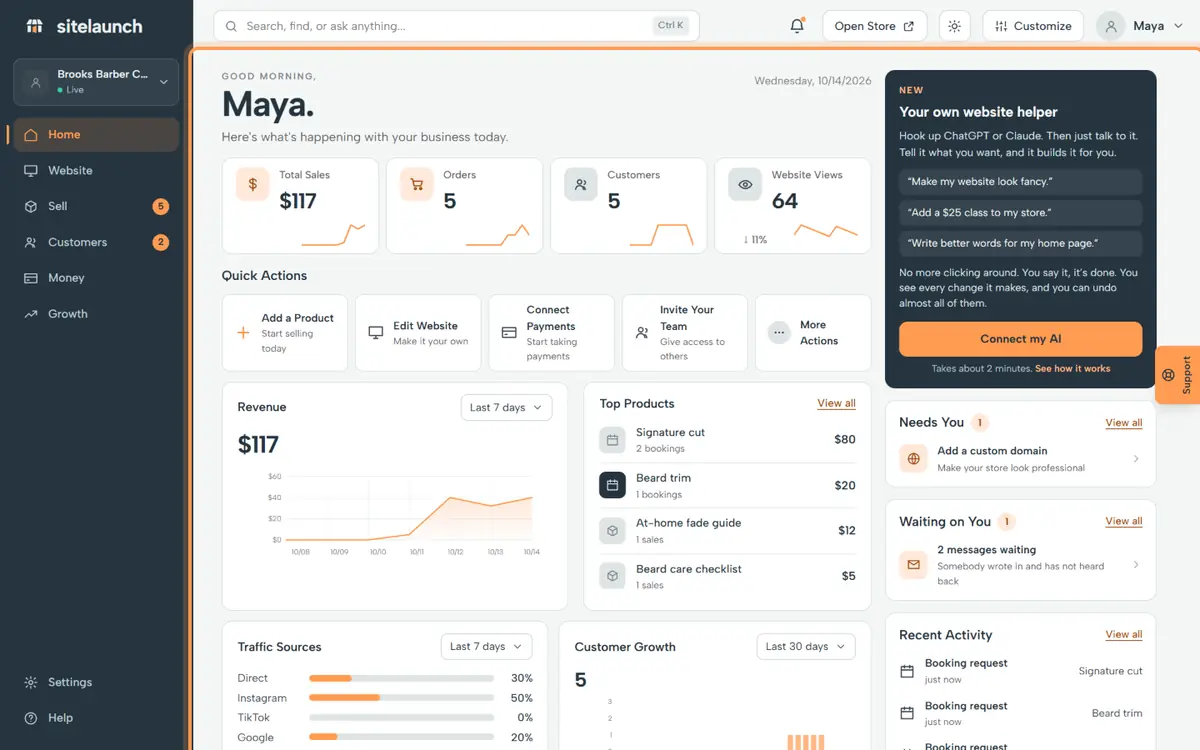
Step 1
This is Home. It shows what is new today: orders, bookings and messages.
Step 2
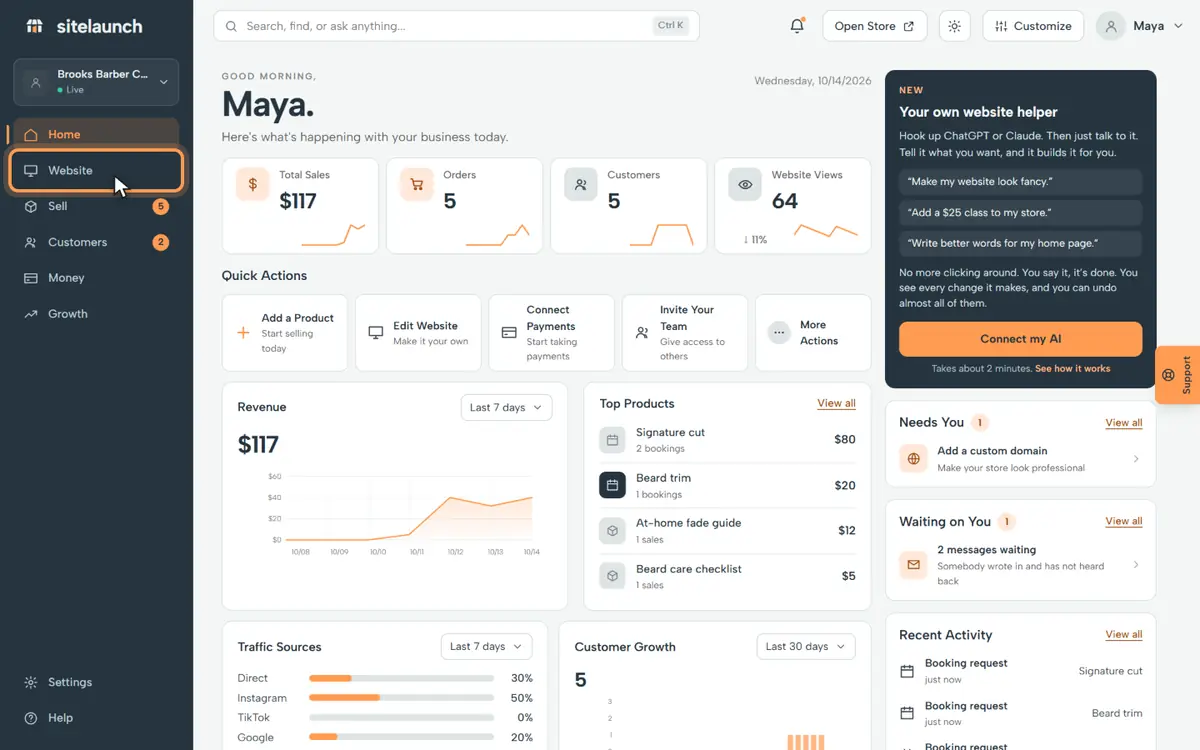
Press Website. This is your site. You can change any part of it.
Step 3
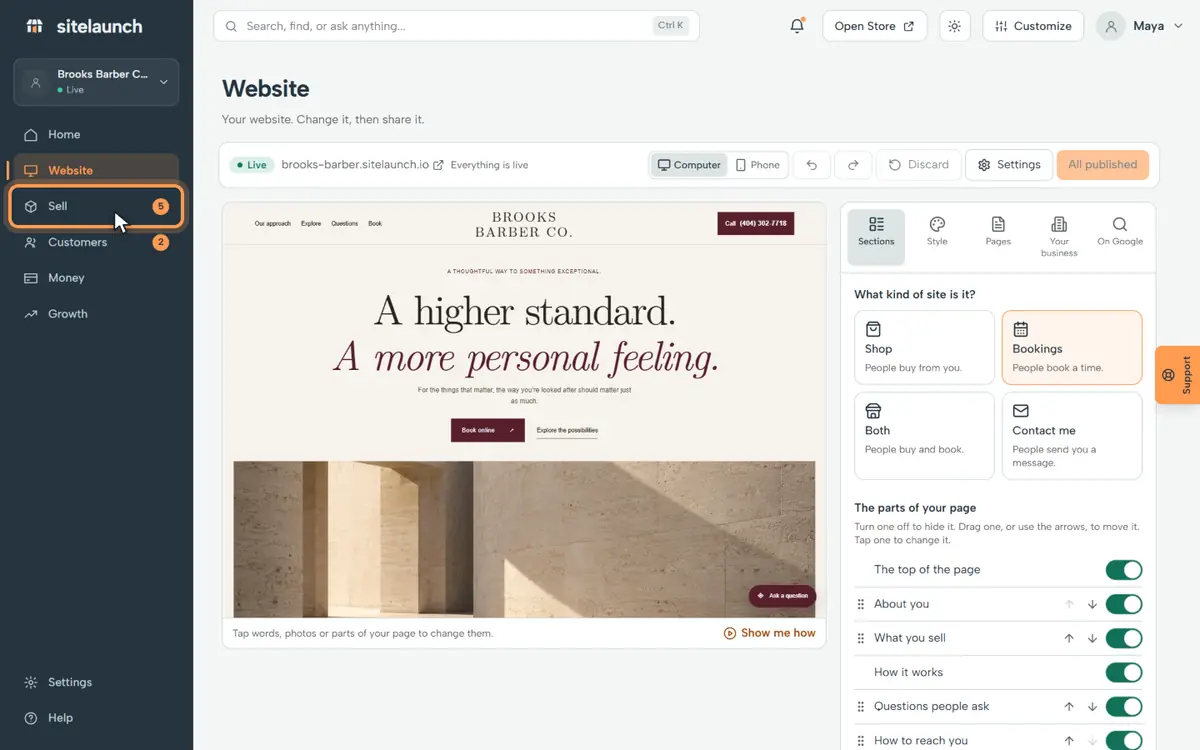
Press Sell. It holds what you sell: things to download, and times to book.
Step 4
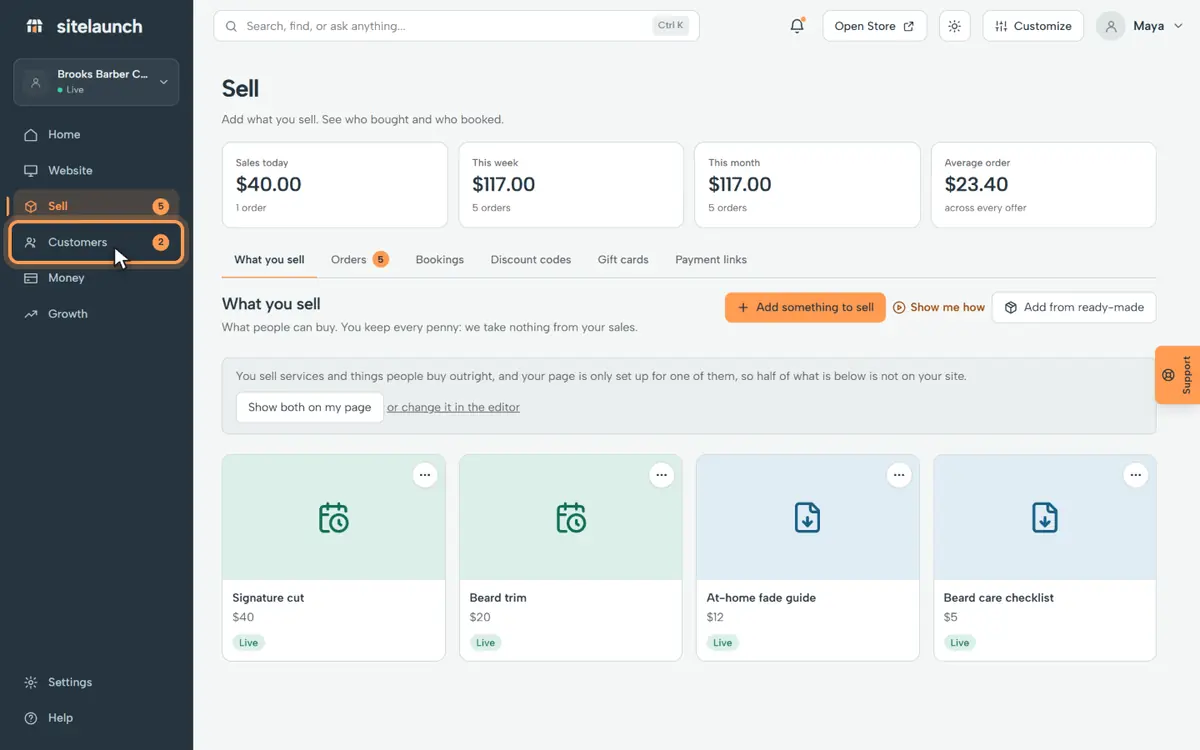
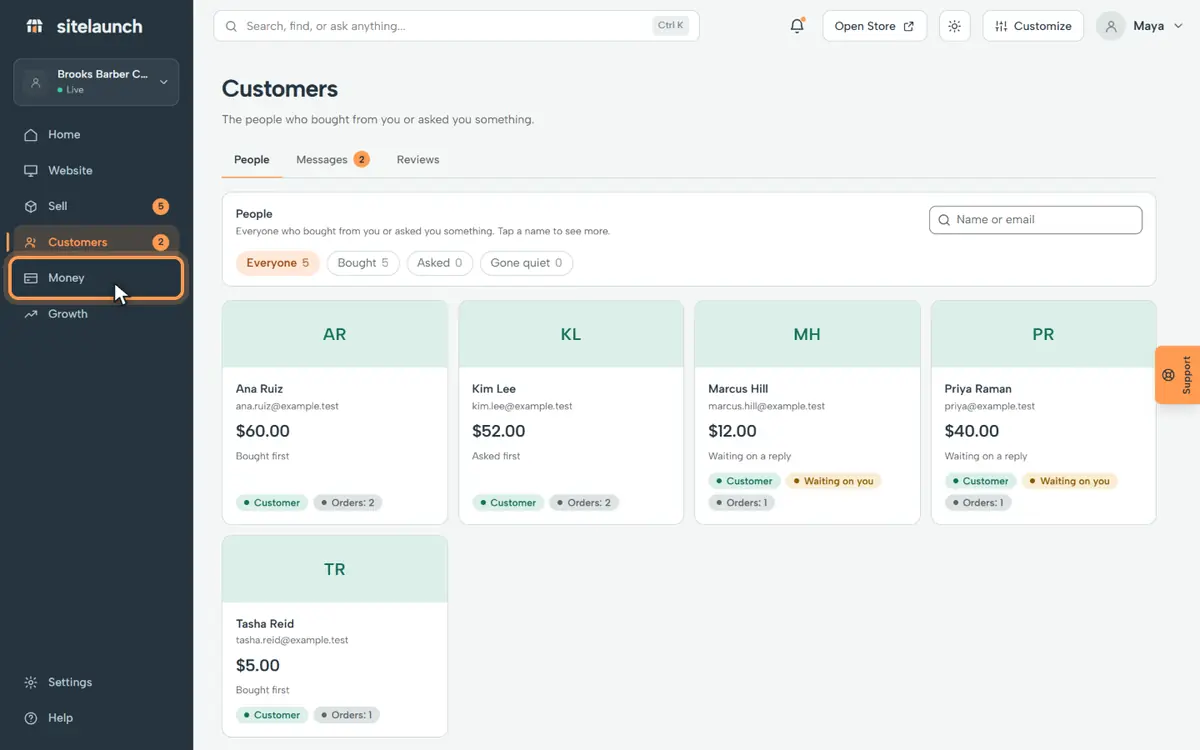
Press Customers. It shows who bought, and who asked you something.
Step 5
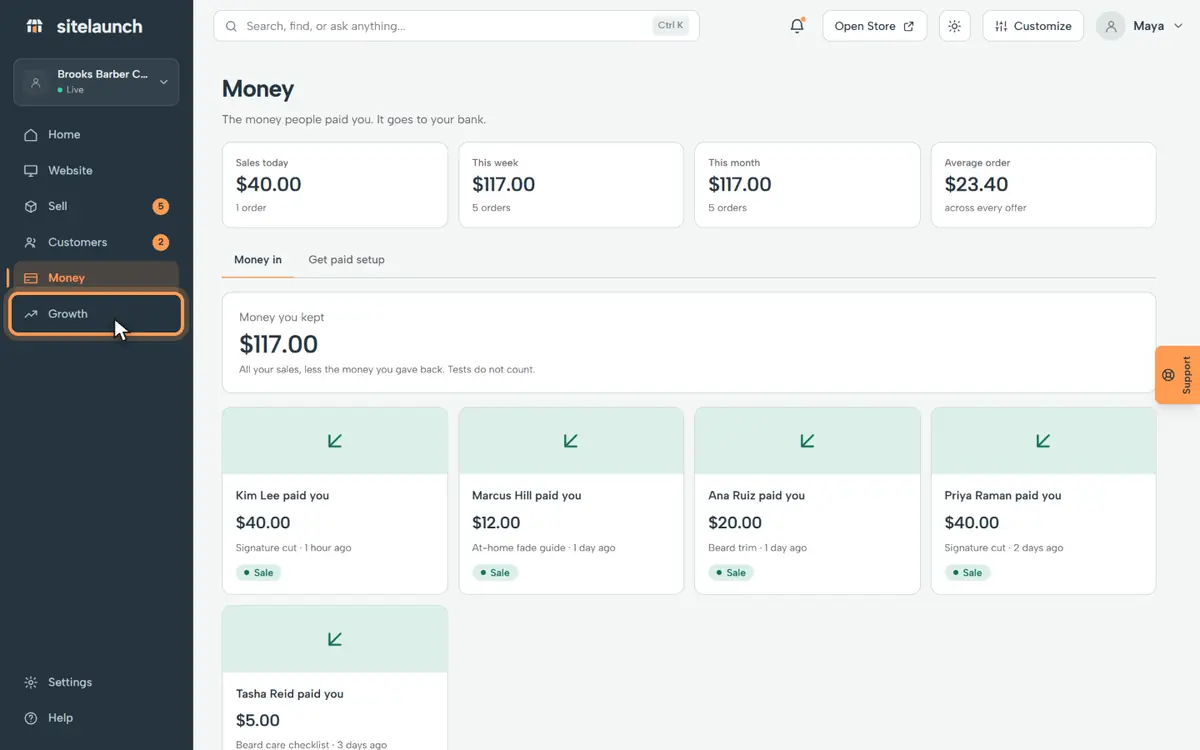
Press Money. It shows what came in. The money goes to your bank.
Step 6
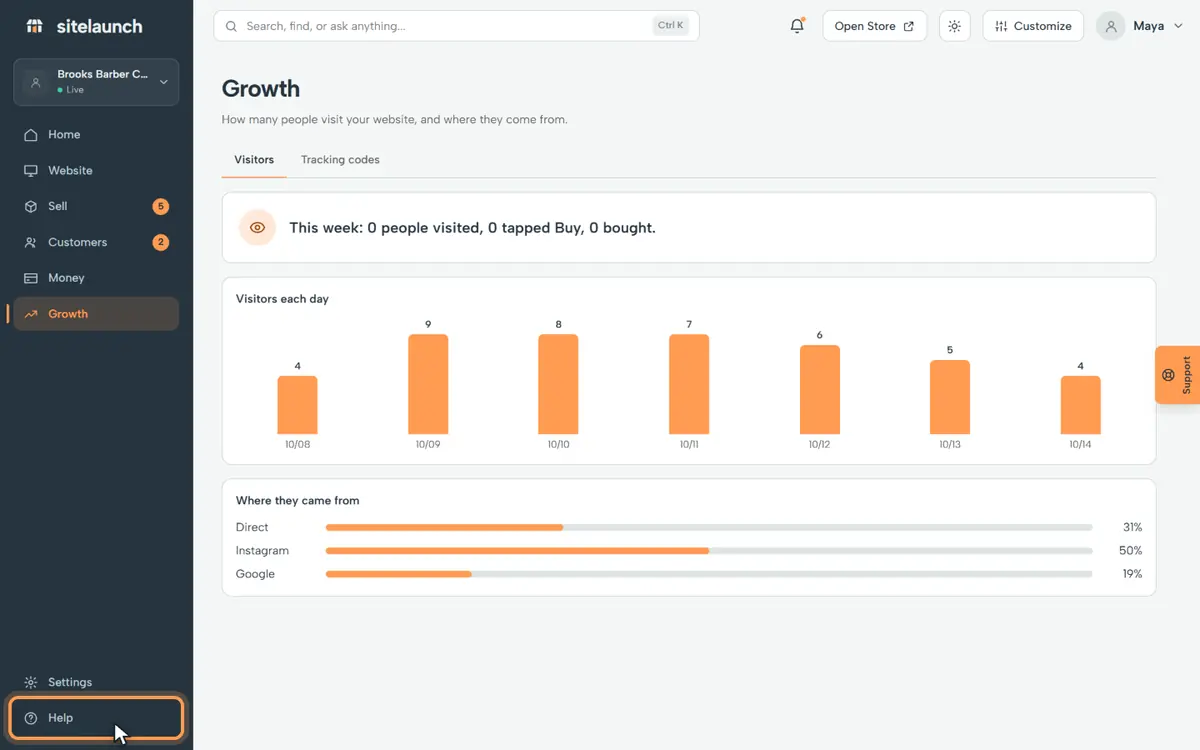
Press Growth. It shows how many people visited your site.
Step 7
Stuck? Press Help. Watch a video like this one, or ask us.
Try it now
In sitelaunch, press Home.
Still stuck? Ask us. Models: this page is Markdown, and every page is in llms.txt.