Help / Running your store
Add a service people book
Sell your time: a haircut, a lesson or a call. People pick a free time and pay.
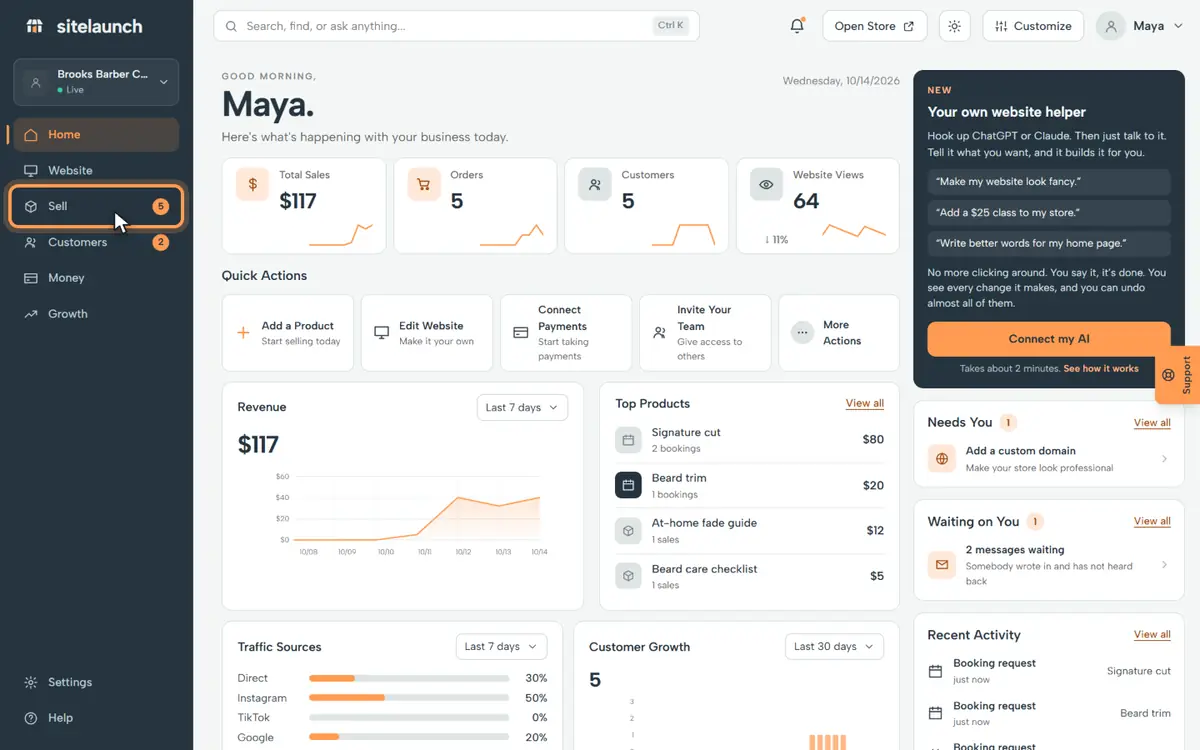
Step 1
Press Sell.
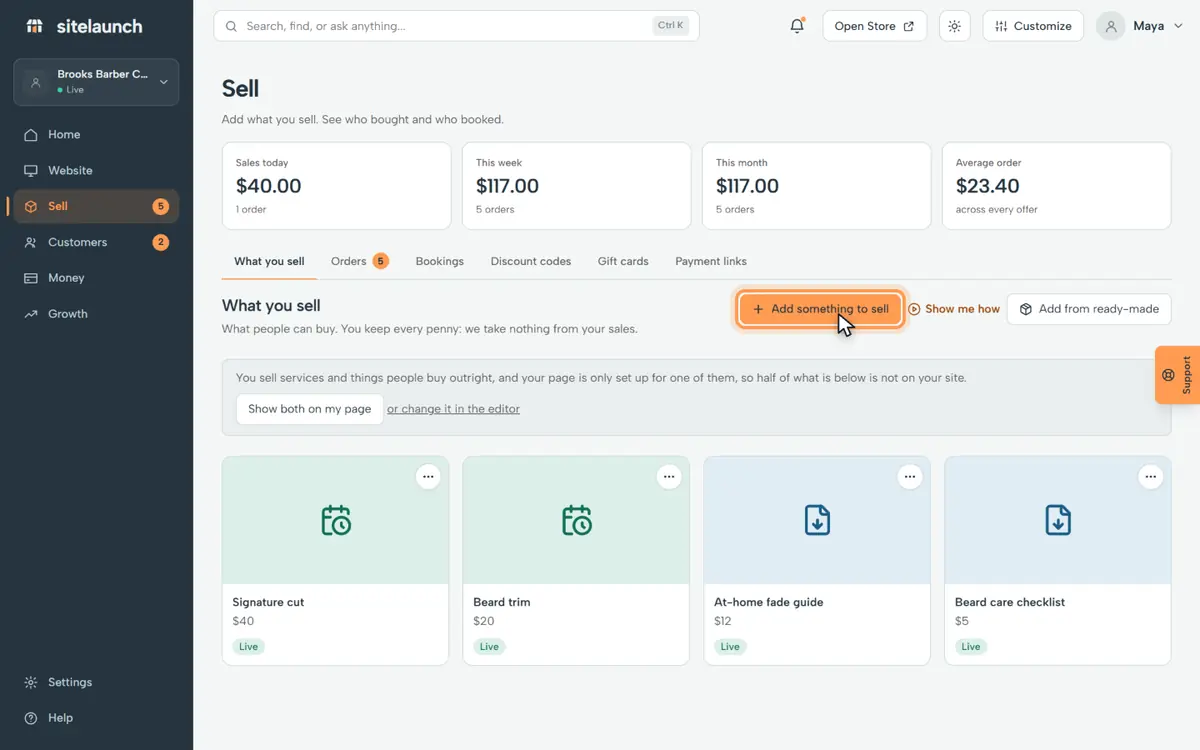
Step 2
Press Add something to sell.
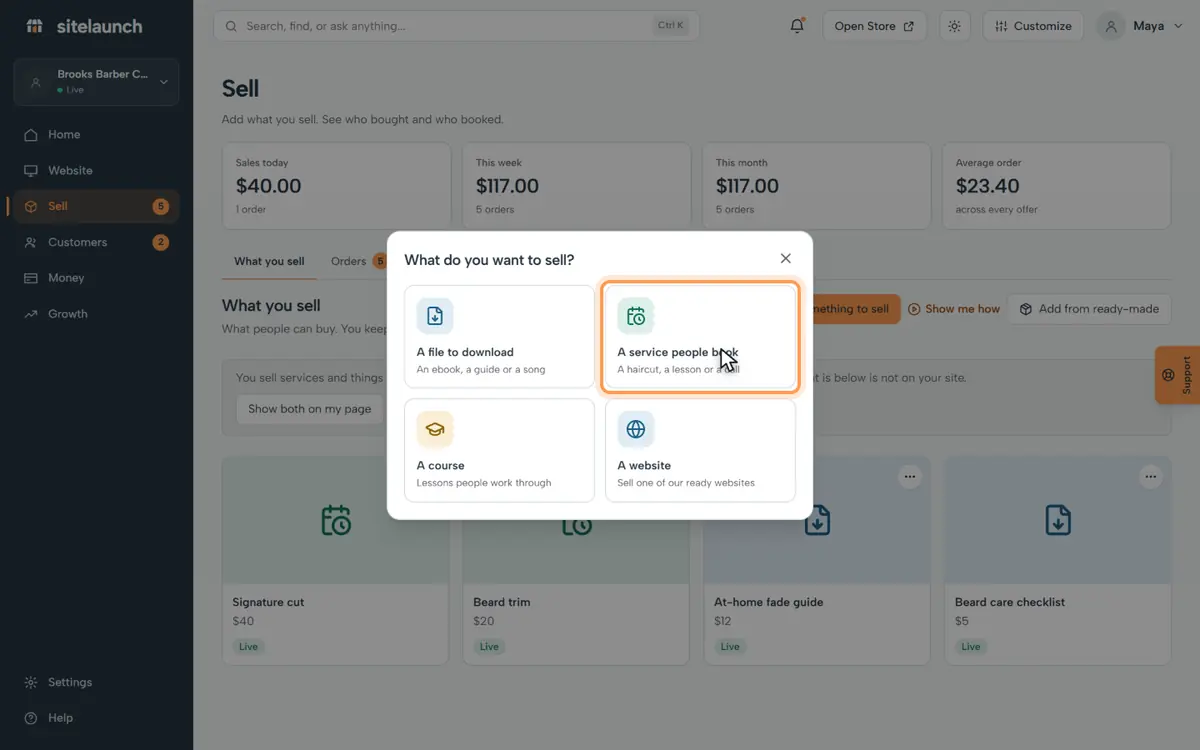
Step 3
Press A service people book.
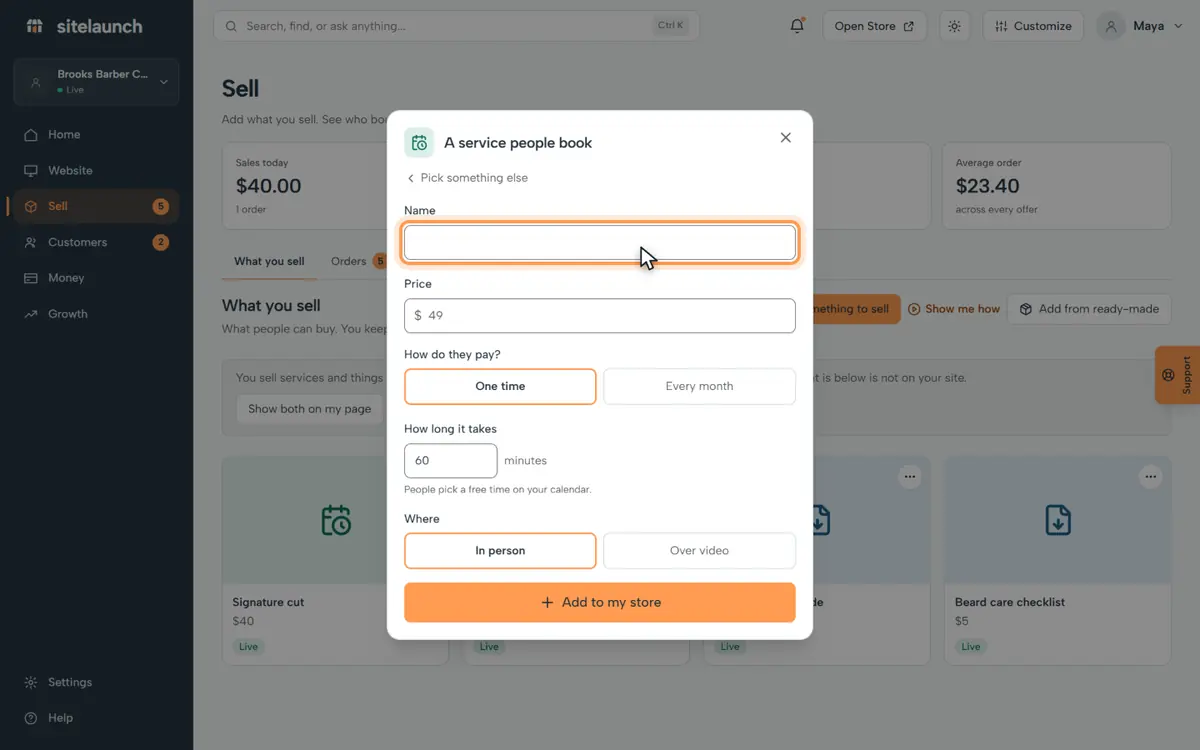
Step 4
Type its name.
Step 5
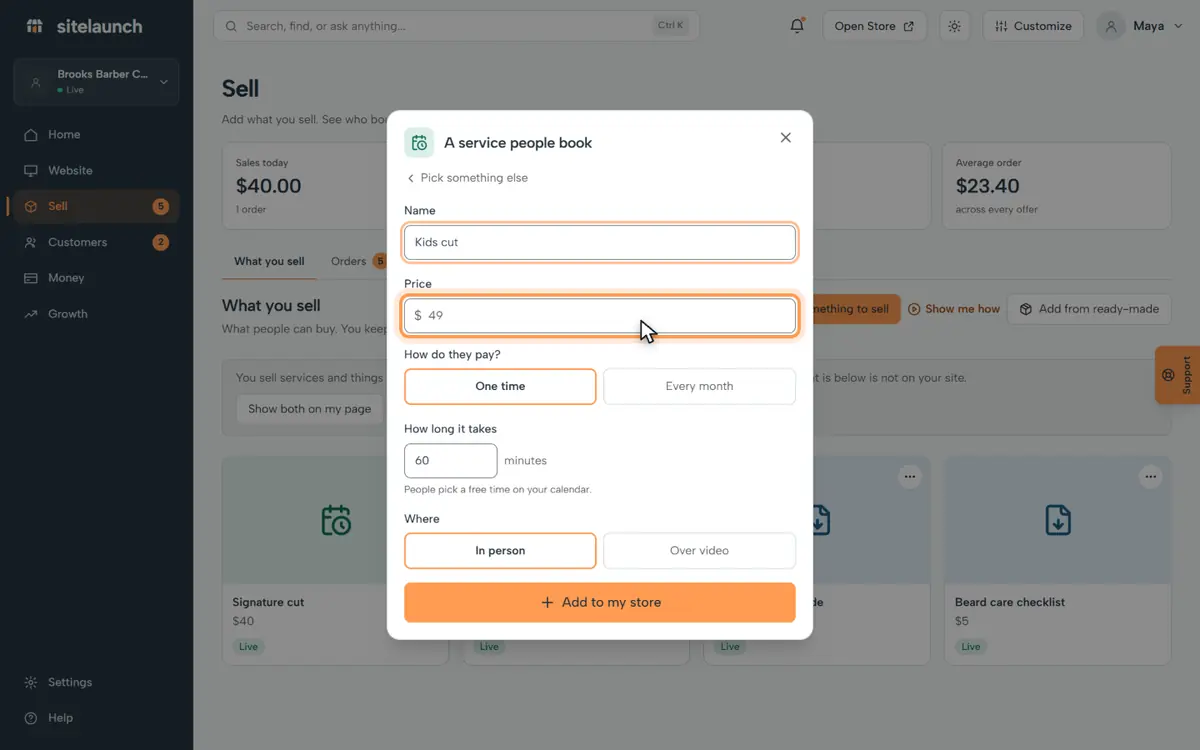
Type its price.
Step 6
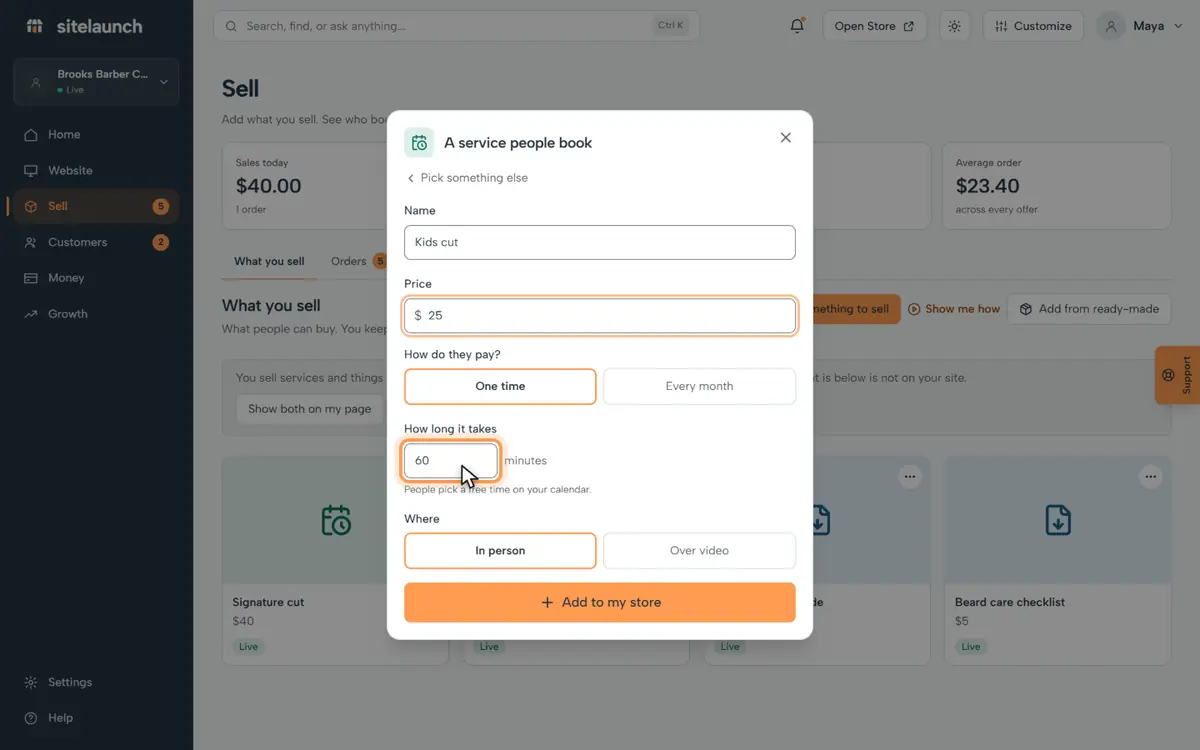
Say how many minutes it takes.
Step 7
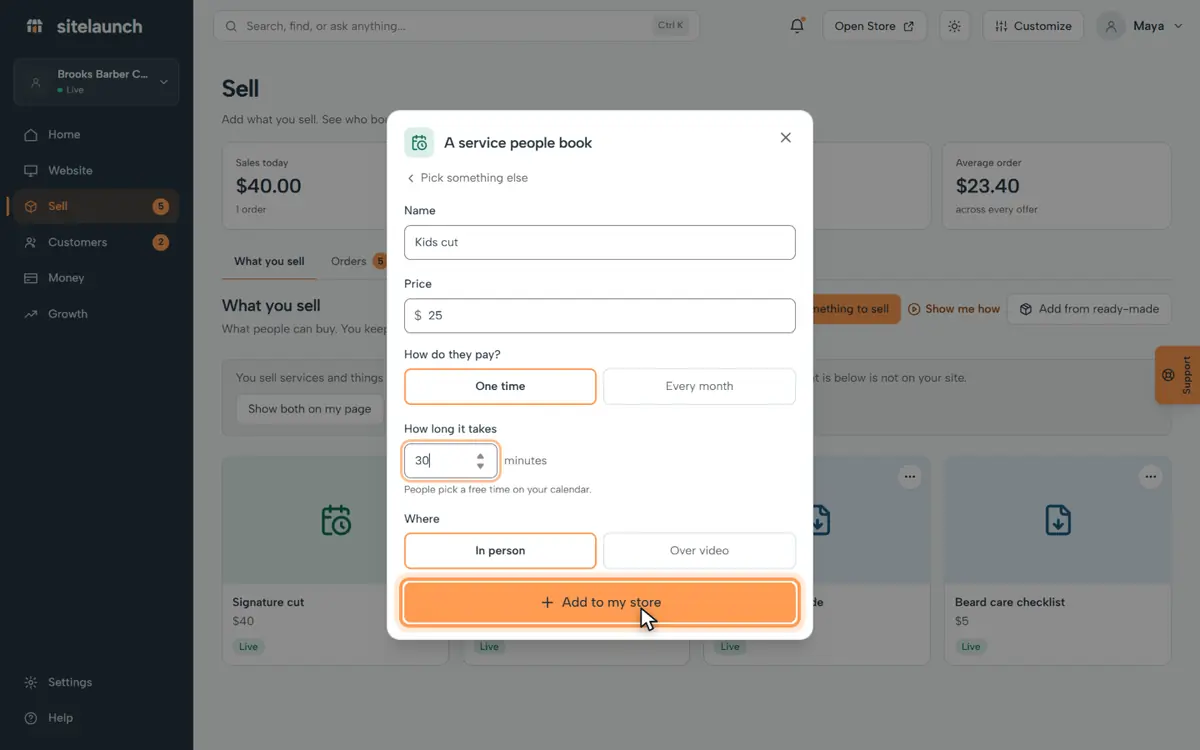
Press Add to my store. People can book it now.
Try it now
In sitelaunch, press Sell, then Add something to sell.
Still stuck? Ask us. Models: this page is Markdown, and every page is in llms.txt.