Help / Running your store
Give a client their site
A client who wants to run their own site can have it. You stop paying for it.
Step 1
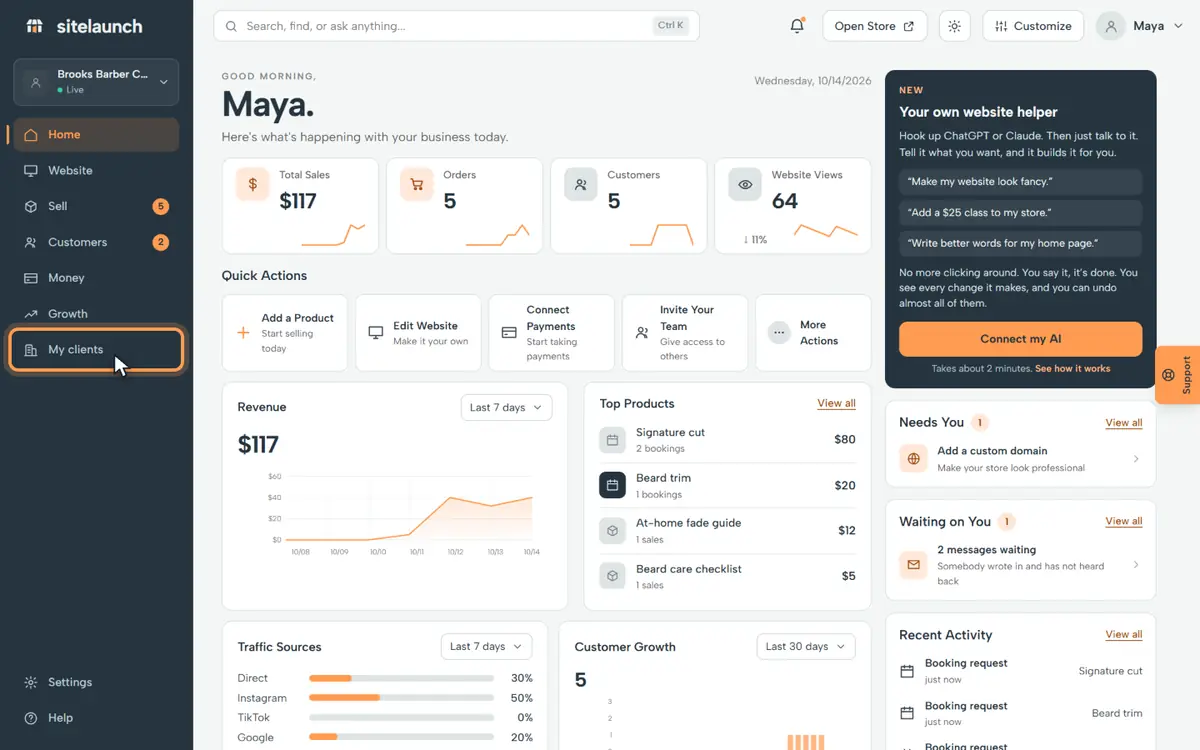
Press My clients.
Step 2
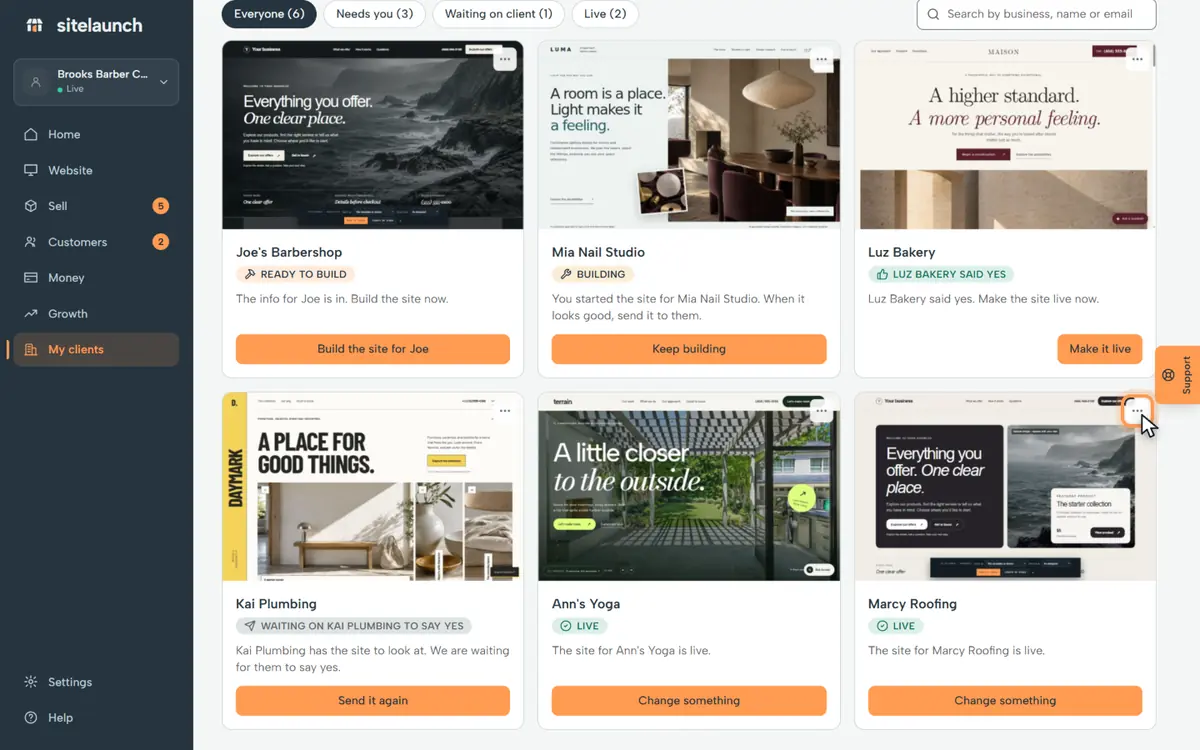
Press the three dots on their card.
Step 3
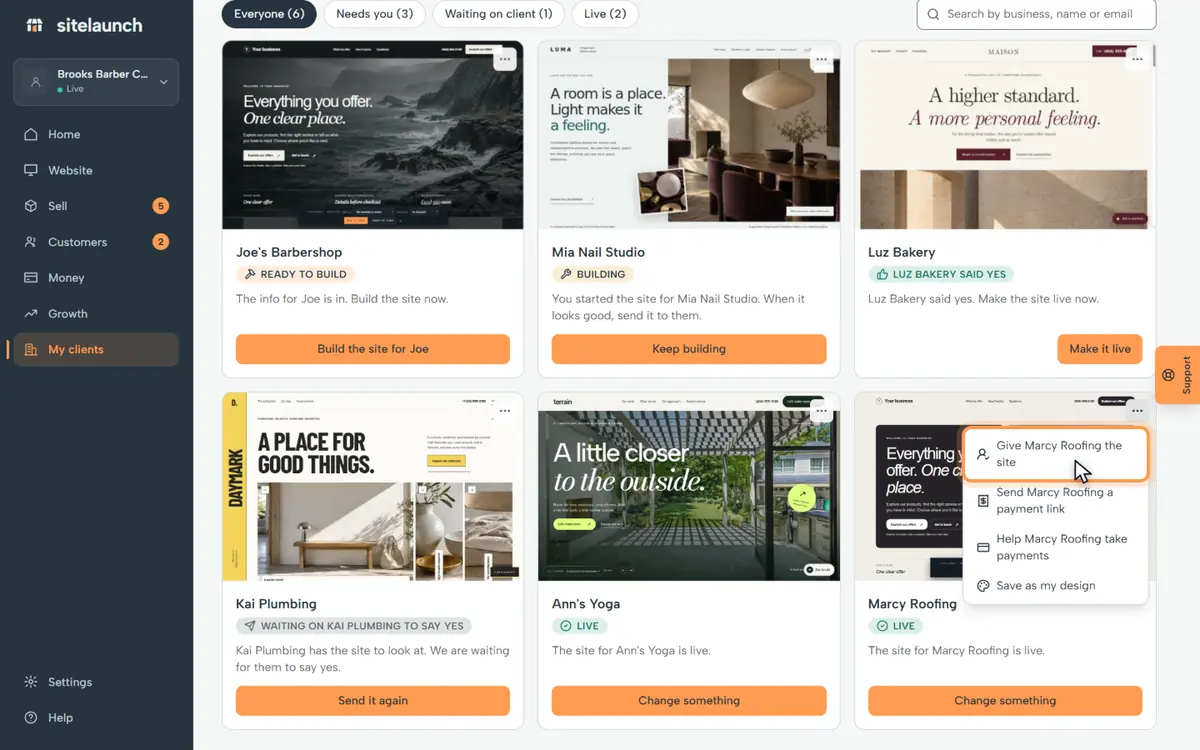
Press Give Marcy Roofing the site.
Step 4
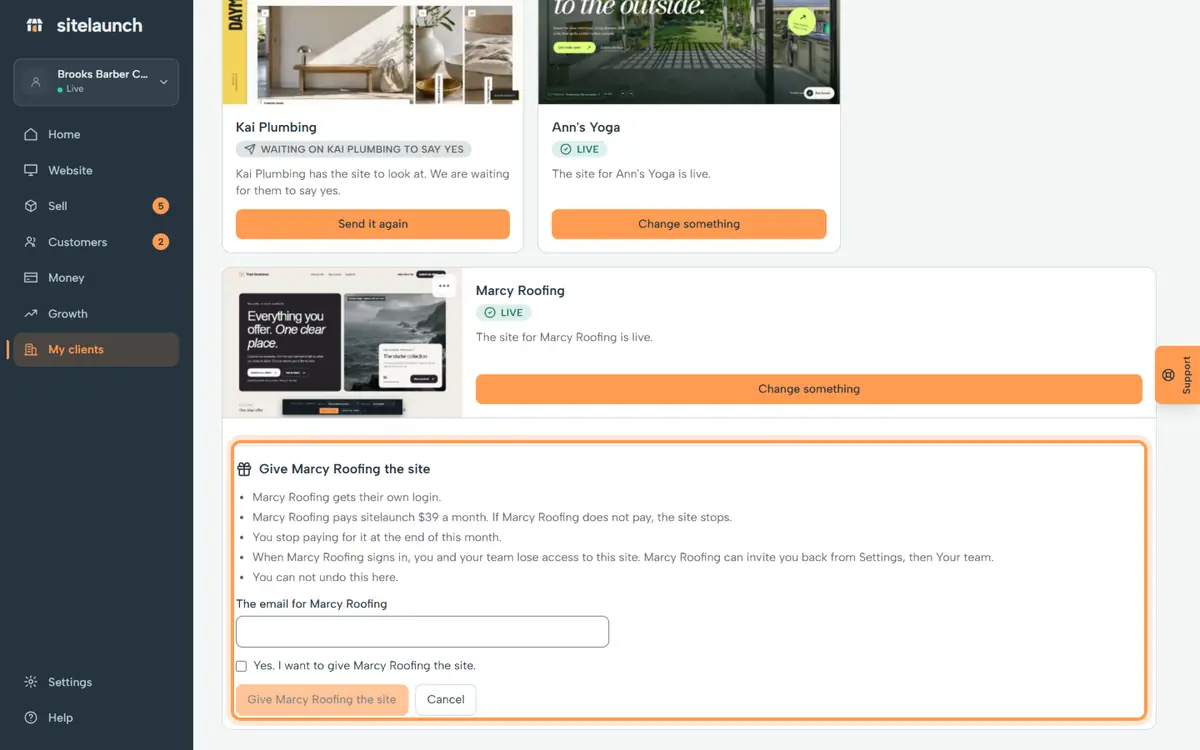
Type their email, tick the box, and press the button. They get their site.
Try it now
In sitelaunch, press My clients, then the three dots on their card.
Still stuck? Ask us. Models: this page is Markdown, and every page is in llms.txt.