Help / Running your store
Send the "Get your website" link
One link for new clients. They pick a package, tell you about their business, and pay you.
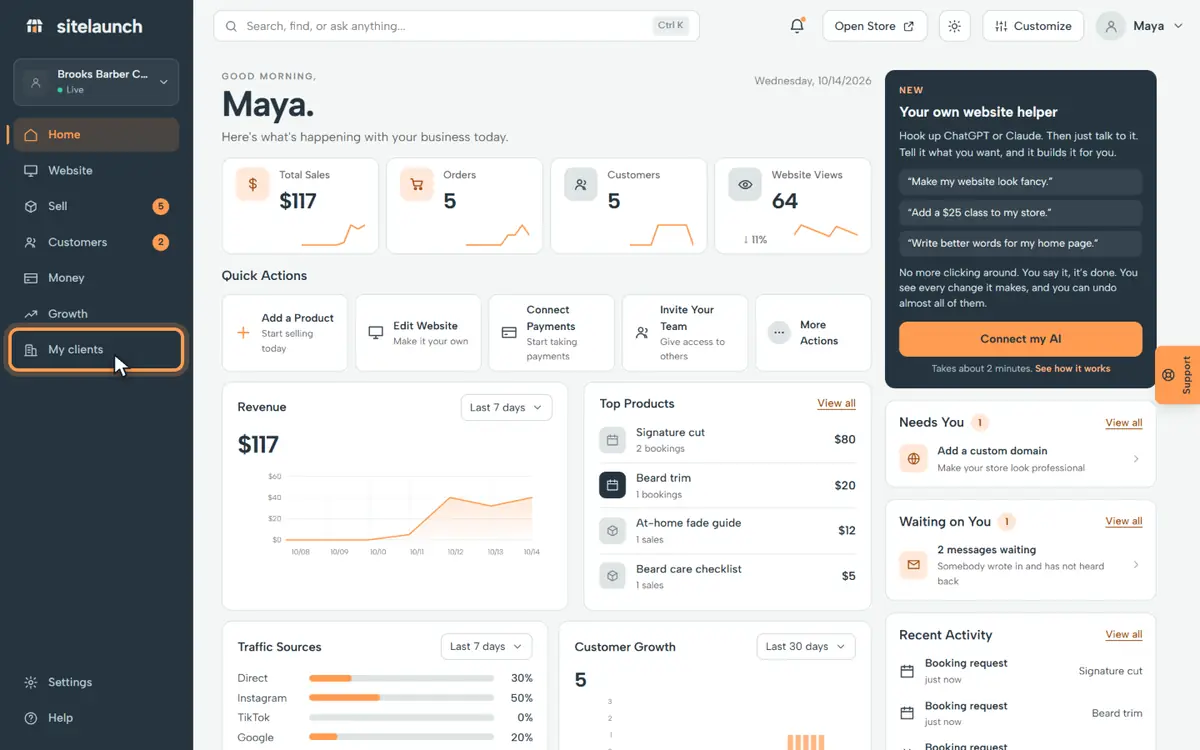
Step 1
Press My clients.
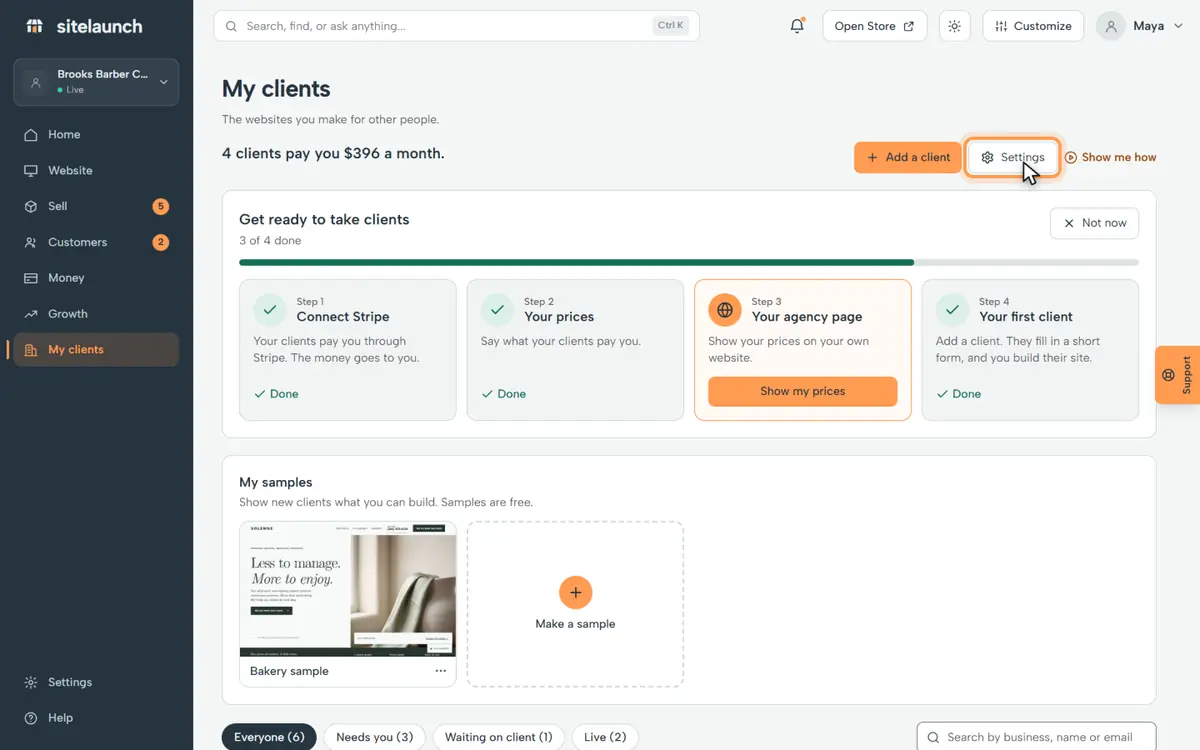
Step 2
Press Settings.
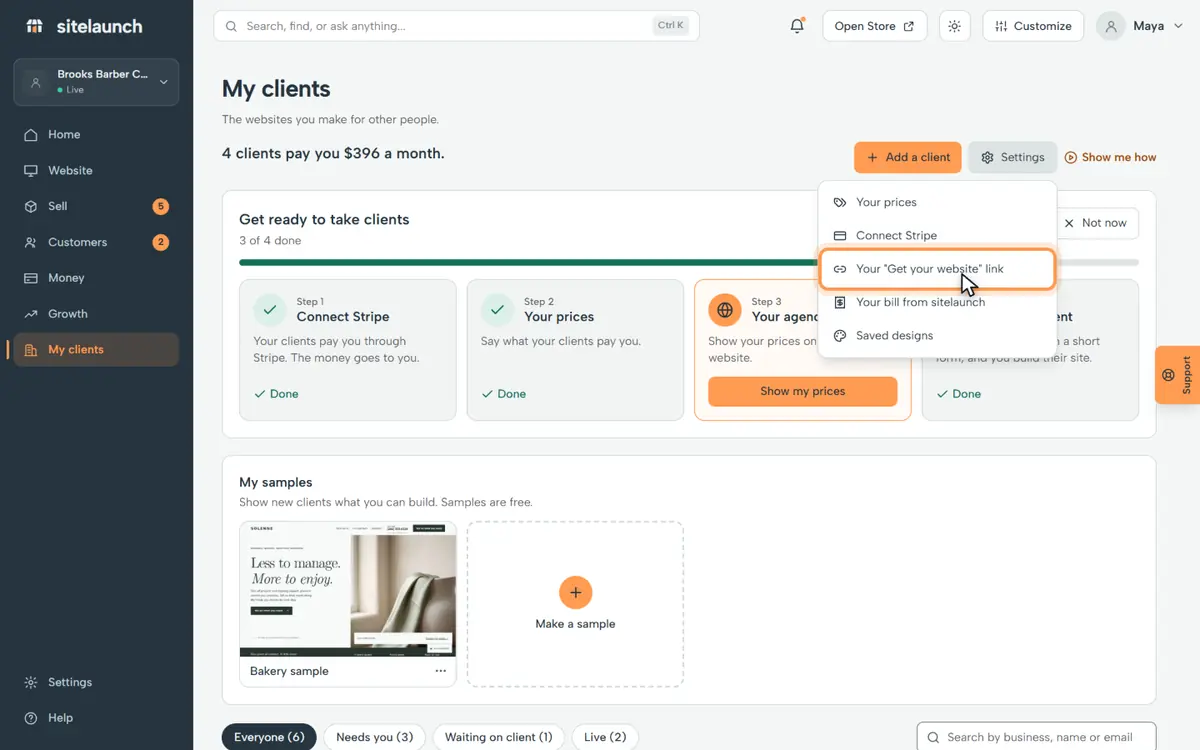
Step 3
Press Your Get your website link.
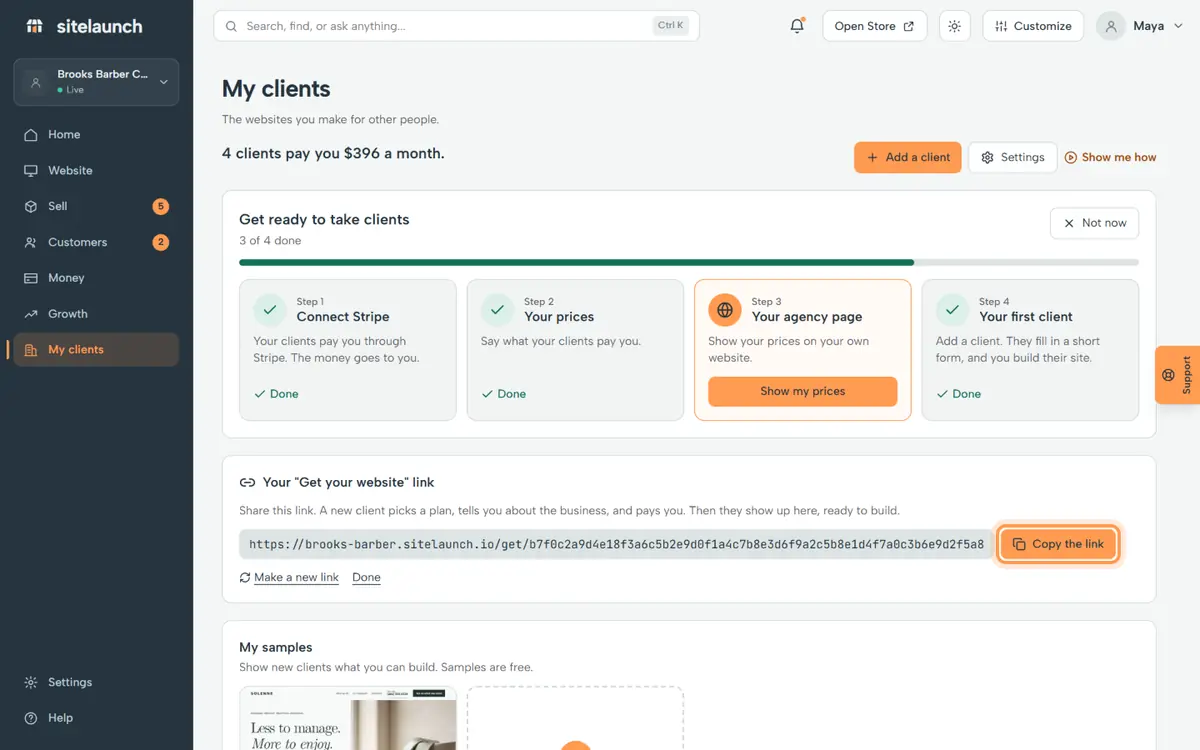
Step 4
Press Copy the link. Put it on your page, or send it to anyone who wants a site.
Try it now
In sitelaunch, press My clients, then Settings.
Do you not see it?
This part of sitelaunch is new, and it is not turned on for every account yet. Ask us in Help, and we will turn it on for you.
Still stuck? Ask us. Models: this page is Markdown, and every page is in llms.txt.